
This document is the NEC VERSA S9100 Series Electronic User’s Guide, which provides instructions for using the product.
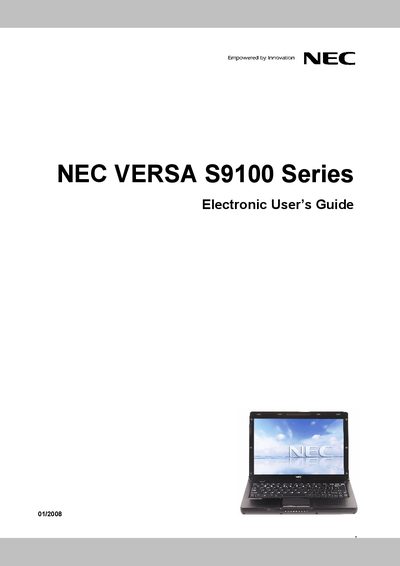
This Electronic User’s Guide for the NEC VERSA S9100 Series notebook covers basic operation, system care, storage recommendations, and internet connectivity. It includes notes, cautions, and warnings to help users safely use and maintain the computer.
The guide also details handling tips such as temperature limits, protection from magnetic fields, cleaning procedures, and proper use of the AC adapter. An entire section explains how to configure Internet access using the Windows Internet Connection Wizard.
| Operating temperature range | 5°C to 35°C |
|---|---|
| DVD/CD drive laser class | Class 1 |
The notebook should be used in environments between 5 °C and 35 °C; cooler temperatures are generally better.
Wipe the notebook with a soft, clean, dry cloth; avoid harsh chemicals, abrasive materials, or spray cleaners that could damage the plastic or screen.