
This document provides instructions and features of the Philips DCD2030 EN product, including setup, audio and video setup, preference setup, other features, product information, and troubleshooting.
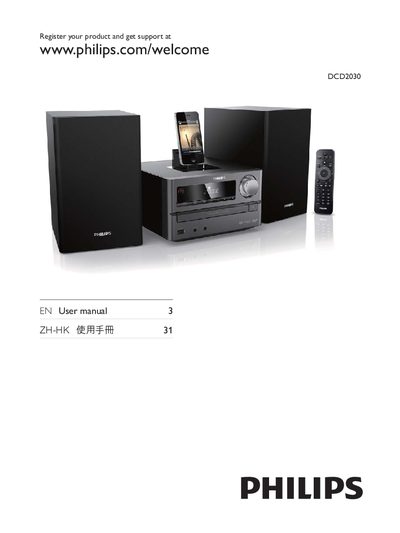
This manual guides you through the safe setup and use of the Philips DCD2030 DVD player, covering everything from initial registration to connecting external devices. It includes safety symbols, important warnings, and step‑by‑step instructions for playing discs, USB media, and iPod/iPhone/iPad devices.
Additional sections cover FM radio tuning, timer functions, volume safety tips, and a troubleshooting guide for common issues such as DivX playback problems and poor radio reception.
Visit www.philips.com/welcome and follow the registration instructions.
Make sure the clock is set correctly and switch the timer on.
Start with a low volume setting and increase slowly until it is comfortable without distortion.