
This is a user manual for DVP3552K.
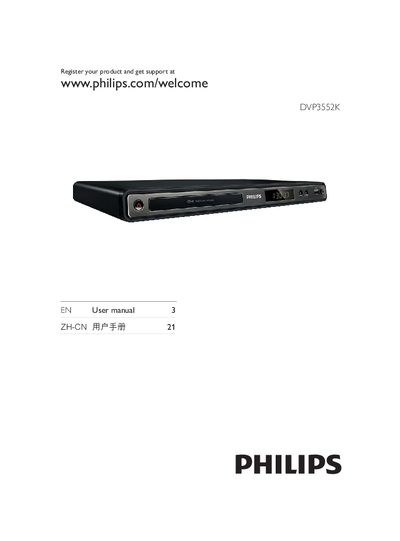
This manual begins with important safety and environmental information, including ventilation requirements and handling of hazardous substances. It then introduces the DVD player, lists supported media formats, and describes the main components and remote control.
Subsequent sections cover how to connect audio/video cables, power, and USB drives, followed by step‑by‑step instructions for basic operation such as turning the device on, selecting TV input, changing the display language, and enabling progressive scan. Additional functions like MP3 creation, karaoke recording, and software updates are also explained, and a troubleshooting guide helps resolve common issues. This manual is written in Chinese.
Open the General Setup menu, select the language option, choose the desired language, and press OK.
Enter Video Setup, select Progressive Scan, set it to On, confirm the warning, and press OK.
Use the component video (Y Pb Pr) connector on the player and the corresponding COMPONENT VIDEO input on the TV.