
This is a DVD player product manual, which mainly introduces the product's functions, features and usage methods
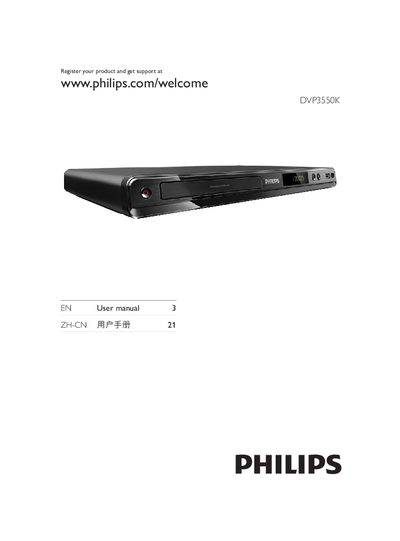
This manual begins with important safety information, required ventilation space, battery handling, and environmental disposal guidelines. It then describes the DVD player, supported media types (DVD, VCD, SVCD, CD, MP3, WMA, DivX Ultra, JPEG) and the region code for China.
Subsequent sections cover video and audio connections (component Y‑Pb‑Pr, composite CVBS, coaxial, stereo), remote‑control setup, menu navigation, progressive‑scan activation, playback controls, additional features such as media copy, MP3 creation and karaoke, and finally adjustment settings, software updates, maintenance, specifications, and troubleshooting steps.
| Required Ventilation Clearance | At least 4 inches of space around the product |
|---|---|
| Power Supply Connection | Connect to AC mains after all other connections are made |
Visit the Philips registration page at www.philips.com/welcome and follow the registration steps.
Open the menu, select Video Settings, choose Progressive Scan, set it to On, and confirm.