
This document is a quick start guide and user manual for the Philips DVD video player DVP5980K. It provides quick tips for using the product and making the user experience more enjoyable.
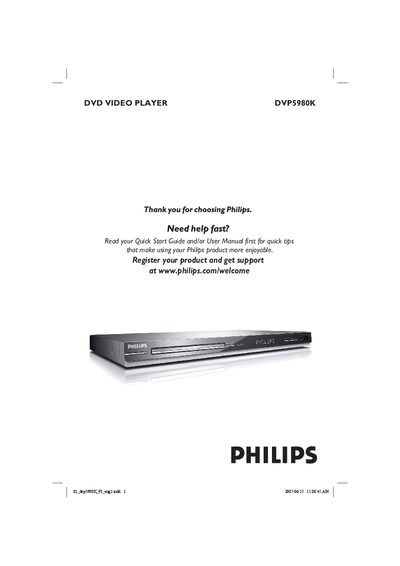
This manual covers safety warnings, placement guidelines, and the required connections for the DVP5980K DVD Video Player, including power, audio, video, HDMI, and USB interfaces. It also explains how to insert batteries, use the remote control, and navigate the on‑screen menus.
Detailed sections describe disc playback features, supported formats, video and audio setup options, karaoke functions, and how to upgrade the software. The guide finishes with specifications, a glossary, and a troubleshooting FAQ to help resolve common issues.
| Laser type | Semiconductor laser |
|---|---|
| DVD laser wavelength | 658 nm |
| DVD output power | 7.0 mW |
| CD output power | 10.0 mW |
| Beam divergence | 60 degrees |
Use a microfiber cleaning cloth and wipe the disc from the centre to the edge in a straight line; do not use solvents or cleaning CDs.
Connect an HDMI cable from the player’s HDMI port to the HDMI (or DVI) input on the TV, then select the appropriate HDMI input on the TV.