
This document is the user manual for Philips DVP3560K, which introduces the functions and usage of the product.
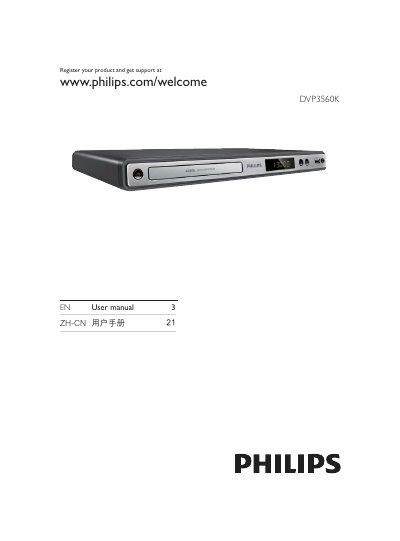
This manual guides users through registering the product, connecting audio/video and USB devices, and configuring settings such as language and progressive scan. It also explains how to use features like Philips EasyLink, media copying, MP3 creation, and karaoke.
Detailed sections cover safety information, supported media formats, step‑by‑step connection instructions for HDMI, component, and composite video, as well as menu navigation, playback controls, and troubleshooting tips. This manual is written in Chinese.
Visit the registration page at www.philips.com/welcome and follow the on‑screen instructions.
Connect an HDMI cable (not supplied) from the HPDMIOUT socket on the player to an HDMI input on the TV.