
This is a home audio and video player that supports DVD, USB, HDMI and other interfaces
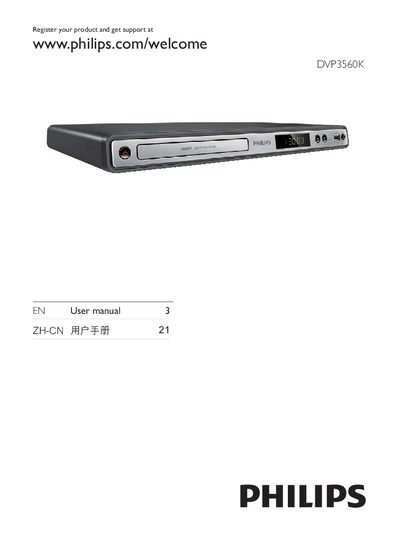
This manual guides you through registering the product, safety precautions, and an overview of the DVD player. It explains how to connect audio/video cables, HDMI, USB, and power, and walks you through basic operation such as preparing the remote, selecting TV input, and using the menu language settings.
The guide also covers playback of various media formats, additional features like media copy, MP3 creation, and Karaoke, as well as detailed settings for picture, audio, and initial configuration. It includes maintenance tips, software updates, specifications, and a troubleshooting section for common issues. This manual is written in Chinese.
Visit www.philips.com/welcome and register the product.