
This document is a user manual for a HD-DV camcorder, which introduces the system requirements, features, unpacking method, and different parts of the camcorder. It also explains how to get started with the camcorder, including inserting an SD card, installing batteries, turning on the camcorder, and changing modes. Furthermore, it provides detailed information on various functions and operations of the camcorder, such as shooting videos, taking photos, and playing videos and photos.
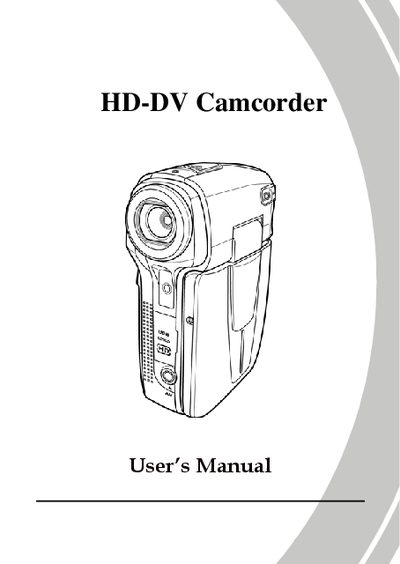
This manual introduces the DXG HD-DV Camcorder, covering safety precautions, unpacking, and an overview of the camera’s hardware layout. It explains how to insert batteries and an SD card, power the device, and configure basic settings such as date, time, language, and beep volume.
The guide details shooting and playback functions, various recording modes (movie, photo, macro, zoom, LED flashlight), menu navigation, video resolution and color effects, as well as connecting the camcorder to a computer, TV, or HDTV. It also includes software installation, troubleshooting tips, and a brief appendix of specifications.
Select the menu option listed as 2.5.1 Setting the date and time.
Choose the menu entry 2.5.2 Setting the language.
Follow the instructions in section 2.1 Inserting an SD Card.
Remove the batteries, then re‑insert them as shown on page 77.