
This is the user manual for DXG USA DXG-5D7V 3D Camcorder, which describes the features and characteristics of the camera.
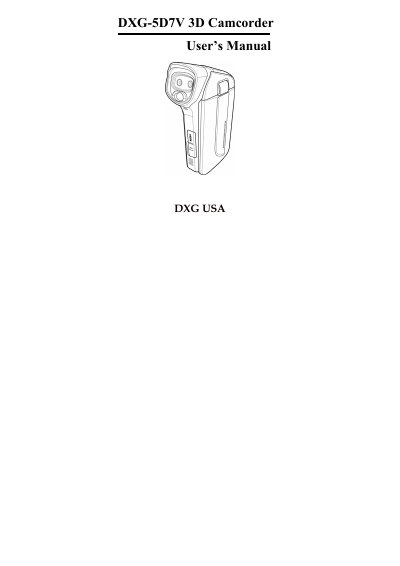
This manual introduces the DXG-5D7V 3D camcorder, its system requirements, and key features such as 3D/2D video shooting, a 3.2" LCD 3D display, and USB mass storage. It also details the hardware layout with front, top, bottom, right, left, and back views.
The guide walks you through getting started—installing an SD card, inserting and charging the battery, connecting to a TV via AV or HDMI, and linking to a PC via USB. It explains mode changes, language and date settings, recording and playback procedures, file transfer steps, and provides troubleshooting tips for common issues.
| LCD size | 3.2" 3D display |
|---|---|
| Operating temperature range | 0°C to 40°C (32°F to 104°F) |
| Battery requirement | Use only the type of battery that came with the camera |
The camcorder is designed for use in temperatures from 0 °C to 40 °C (32 °F to 104 °F).
Only the battery type that came with the camera should be used; using other batteries may damage the equipment and void the warranty.