
This is the user manual of DXG USA DXG Sportster DXG-5B1V, which introduces the features and usage of the product
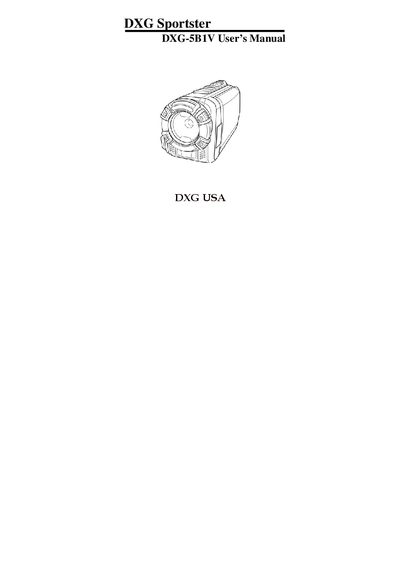
This manual guides you through unpacking, installing batteries, inserting SD cards, and connecting the DXG-5B1V camcorder to TVs or PCs. It also covers basic operation, video and photo recording modes, and menu navigation.
Safety precautions, LCD handling, operating temperature limits, and power‑supply recommendations are detailed to help you protect the device and ensure reliable performance.
| Operating temperature range | 0°C to 40°C (32°F to 104°F) |
|---|---|
| Supported memory card type | SDHC |
The camcorder is designed for use in temperatures ranging from 0 °C to 40 °C (32 °F to 104 °F).
Wipe the fluid with a clean cloth, rinse the area with plenty of water, and seek immediate medical attention if it contacts skin or eyes.
Only the type of battery that came with the camera should be used; other batteries may damage the equipment and void the warranty.