
DXG-595V HD Camcorder User's Manual introduces the product features, including system requirements, functions, appearance, and usage methods.
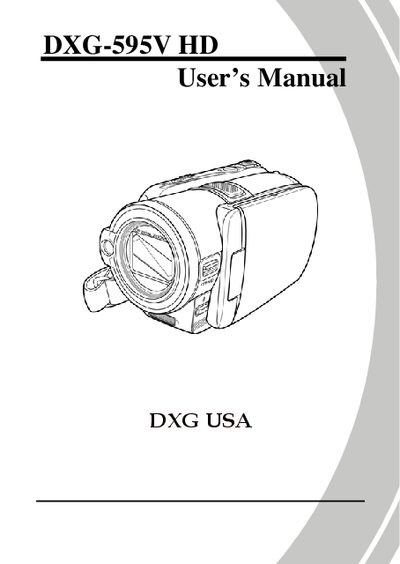
This manual introduces the DXG DXG-595V HD camcorder, covering unpacking, battery installation, SD‑card insertion, and basic operation such as turning the device on, selecting modes, and recording video or still images. Detailed sections explain menu navigation, camera and camcorder functions, flash usage, zoom, macro, stabilizer, and how to connect the camcorder to a computer or TV.
Precautions and safety guidelines are provided to protect the device and the user, including storage conditions, handling warnings, and battery safety. The manual also includes software installation instructions, a specifications overview, and troubleshooting tips, with contact information for DXG USA support.
Open the SD‑card slot, insert the card with the contacts facing down, and close the slot cover before powering on the camcorder.