
DXG-589V User's Manual, introduces the system requirements, features, functions, and usage methods of this product.
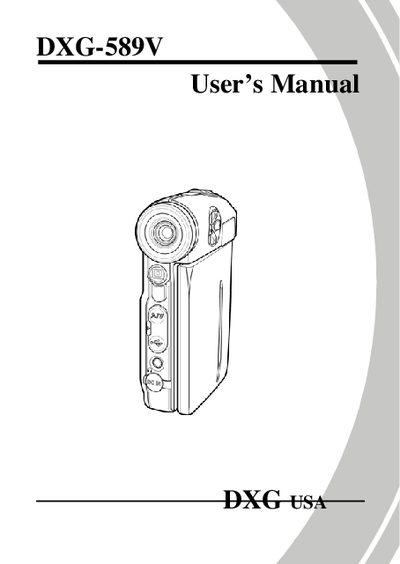
Congratulations on your purchase of the DXG 589V video camera. This manual guides you through unpacking, inserting the battery and SD card, charging, and initial power‑on procedures. It also explains how to adjust the LCD display, use the remote controller, and navigate the camera’s menus.
Detailed sections cover video and photo shooting, playback, music and game modes, language and date‑time settings, and connections to a TV or computer. The appendix includes specifications, software driver installation, and a troubleshooting guide, while the website reference at the end points to online support and FAQs.
Insert the SD card as described in section 2.1 of the manual.
Select the language setting in the menu under section 2.6.2.
Use the TV connection option explained in section 2.14.