
This DXG USA DXG-5F3V HD User's Manual introduces the features and characteristics of the product, including system requirements, functions, appearance, and operating methods.
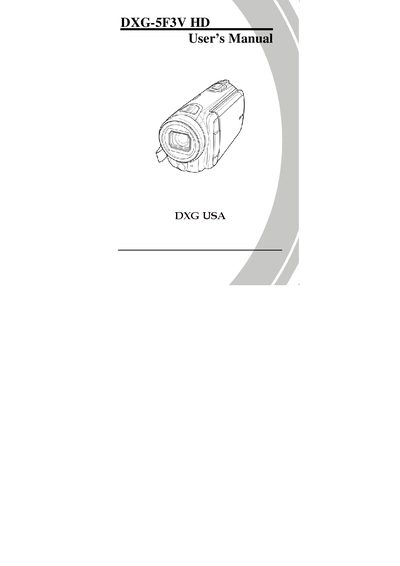
This manual covers everything you need to know about the DXG‑5F3V HD camcorder, from unpacking and safety precautions to connecting the device to a TV or PC. It includes detailed steps for inserting memory cards and batteries, turning the camera on and off, and configuring basic settings such as date, time, language, and beep.
The guide also explains how to record videos, adjust white balance, quality, effects, resolution, and use the stabilizer, as well as how to capture photos, navigate the system menu, transfer files, and troubleshoot common issues. Appendices provide specifications and a quick reference for frequently asked questions.
| Operating temperature | 0°C to 40°C |
|---|
It can be used in temperatures from 0 °C up to 40 °C (32 °F to 104 °F).
No, you should only use the type of battery that came with the camera.
Wipe the fluid with a clean cloth, rinse the skin with plenty of water, and if it contacts eyes, wash them for at least 15 minutes and seek medical help.