
This manual introduces the basic operating methods of DXG-A85V HD digital camcorder, including installing battery, inserting SD card, setting date and time, shooting video, playing video, taking pictures, connecting to computer, connecting to TV, etc.
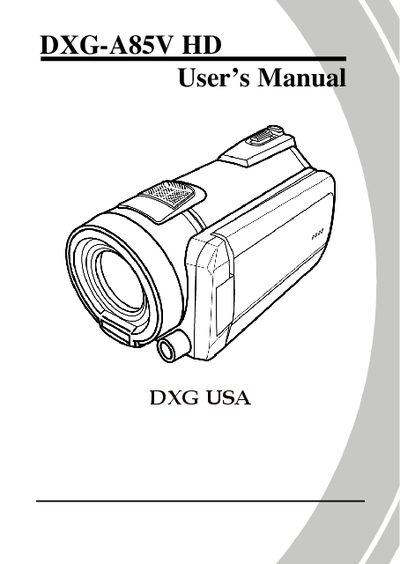
This manual covers everything you need to know to start using the DXG A85V HD camcorder, from unpacking and inserting the SD card or battery to charging, turning the device on and off, and selecting shooting modes. It also explains how to set the date, time, language, and beep settings, as well as how to connect the camcorder to a computer or TV/HDTV.
Detailed sections describe camcorder and camera modes, menu navigation, video and photo quality settings, LED and flash usage, stabilizer function, and system options such as auto power‑off and TV standards. The manual ends with specifications, troubleshooting tips, and contact information for DXG USA support.
Do not store the product in dusty, dirty, or sandy areas, and avoid hot or cold environments.
Insert the SD card as described in section 2.1 of the manual.
Charge the battery following the instructions in section 2.3.
Select the language option in the menu as shown in section 2.6.2.