
DXG-581V User's Manual, introduces the camera's system requirements, features, appearance, and usage methods
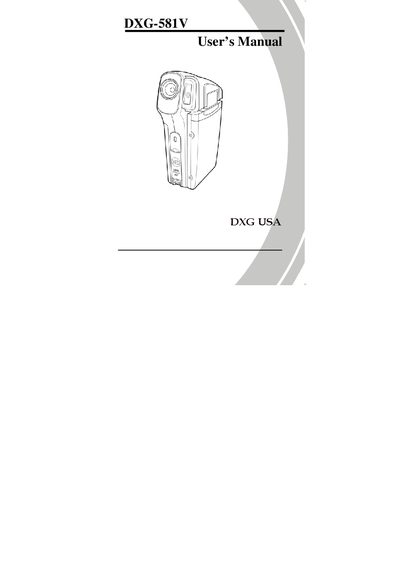
This manual introduces the DXG-581V video camera, covering unpacking, power management, and basic operation. It explains how to insert an SD card, charge and install the battery, and turn the camera on.
Detailed sections describe the various shooting modes, menu navigation, connections to a TV or computer, software installation, and troubleshooting tips to help you get the most out of the camera.
Insert an SD card as described in section 2.1 of the manual.
Charge the battery following the instructions in section 2.3.
Yes, the camera can be connected to a standard TV (see section 2.11).
Use the "Installing the software" section (section 5) to install the provided software.