
This is a user manual for the AGFAPHOTO digital camera DC-630i. It includes instructions on how to use the camera, such as using batteries, taking pictures, and editing pictures.
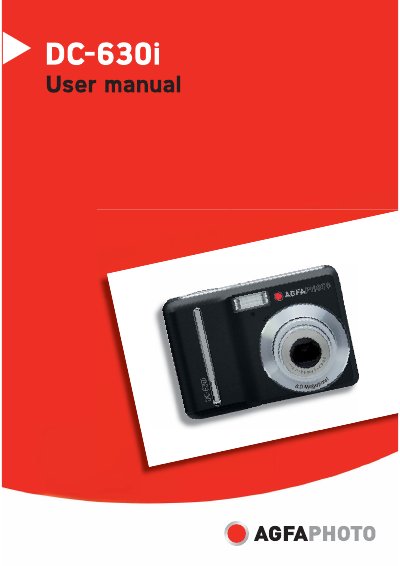
This manual introduces the AgfaPhoto DC-630i digital camera, covering safety precautions, battery installation, and basic operation. It explains how to use the LCD menu, select recording modes, and adjust settings such as exposure, white balance, and flash.
Later sections describe how to connect the camera to a TV, PC, or printer via USB or PictBridge, install the supplied software, and troubleshoot common issues. The specifications chapter lists sensor resolution, lens zoom, storage options, and power requirements.
| Sensor | 6 megapixels CCD |
|---|---|
| Lens | 3× optical zoom, 4× digital zoom |
| LCD Monitor | 2.5‑inch LCD |
| Storage | 16 MB internal memory, SD/SDHC up to 4 GB |
| Power Supply | AA alkaline or Ni‑MH rechargeable batteries (2 ×) |
The camera is powered by two AA‑size alkaline batteries or rechargeable Ni‑MH batteries (minimum 2500 mAh, 2.8 V).
You can set the number of copies from 0 to 30 before printing.
The camera uses a 6‑megapixel CCD sensor.