
This is the user manual for PRECISA 107/108 camera
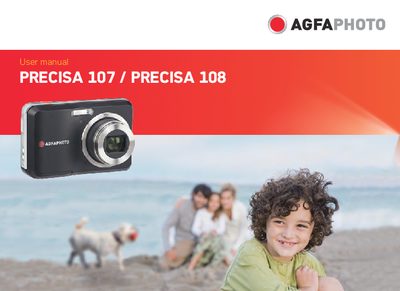
This manual covers safety precautions, battery and memory‑card handling, and proper storage for the AgfaPhoto PRECISA 107/108 digital camera. It explains how to insert the battery and SD/SDHC card, turn the camera on and off, and use the various shooting modes and menu functions.
Additional sections describe the LCD screen, date and time settings, playback functions, and troubleshooting advice. Contact information for service and warranty support is provided at the end of the document.
Remove the battery and memory card and keep the camera in a dry environment.
Wipe the camera with a slightly damp soft cloth and avoid abrasive, alcohol‑based, or solvent‑based cleaners.
It shows that the product complies with European safety, health, environment and customer‑protection requirements.