
This AgfaPhoto OPTIMA 105 user manual introduces the main features of the camera, including system requirements, package contents, camera buttons, camera memory, camera usage, recording images, videos and voices, playback, playing videos, playing sounds, deleting images/videos/audios, using setup menu, connecting camera, connecting TV, connecting computer etc.
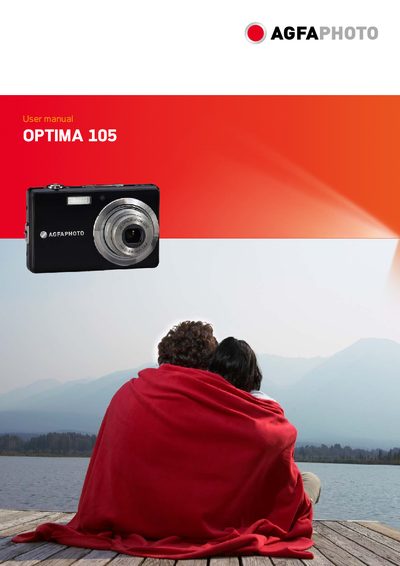
This manual guides users through the safe handling, installation, and everyday operation of the AgfaPhoto OPTIMA 105 digital camera. It includes safety precautions, system requirements, main features, package contents, and detailed instructions for battery installation, memory card use, power management, and menu navigation.
The document also lists technical specifications such as internal and external memory capacities, supported TV systems, operating temperature and humidity ranges, dimensions, weight, and connectivity options. Contact information for service and support, as well as regulatory compliance details, are provided at the end of the manual.