
Explains how to install and use Philips SPA2201 multimedia speakers, including system requirements, installation steps, and usage instructions.
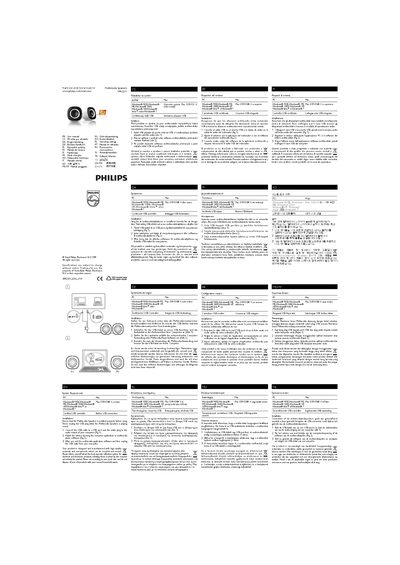
This guide explains how to set up and use the Philips SPA2201 multimedia speakers. It lists the supported operating systems and describes the required USB connection and audio plug.
Key steps include connecting the USB cable, adjusting the volume via the computer or multimedia player, and safely unplugging the speakers after use. The manual also gives recycling instructions to comply with local waste‑separation rules.
They work with PC and Mac running Windows 98SE, Windows ME, Windows 2000, Windows XP, Windows Vista, Windows 7, or Mac OS 9/OS X or later.
Connect the USB cable to a USB port and the audio plug to the audio output of your computer.
Use the computer application or multimedia player software to adjust the volume.
Follow local recycling rules and do not dispose of the speakers with normal household waste.