
SPC 650 NC Installation CD
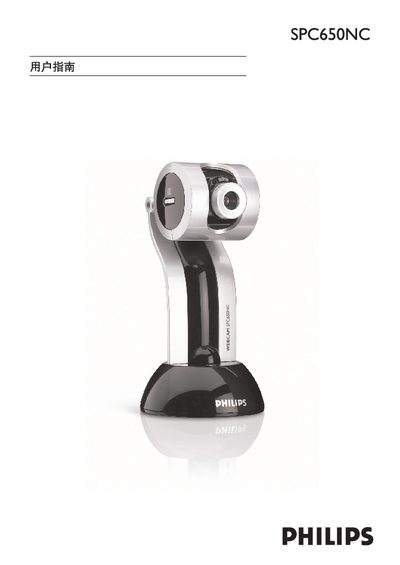
The Philips SPC650NC User Guide provides step‑by‑step instructions for installing the scanner, connecting it via USB, and setting up the required software on a Windows PC. It includes safety notices, regulatory information, and troubleshooting tips.
The manual lists the minimum system requirements, supported operating systems, and details on using the scanner with common Windows versions such as Windows 98SE, 2000, ME, and XP.
| Supported Operating Systems | Windows 98SE, Windows 2000, Windows ME, Windows XP |
|---|---|
| Processor | Pentium III, 500 MHz |
| Memory | 128 MB RAM |
The guide lists Windows 98SE, Windows 2000, Windows ME, and Windows XP as supported operating systems.