
This document is a camera user manual, which introduces the features and functions of the camera, including connecting the strap, installing the battery, turning on and off the camera power, inserting an SD card, using the LCD screen, and taking static photos or videos.
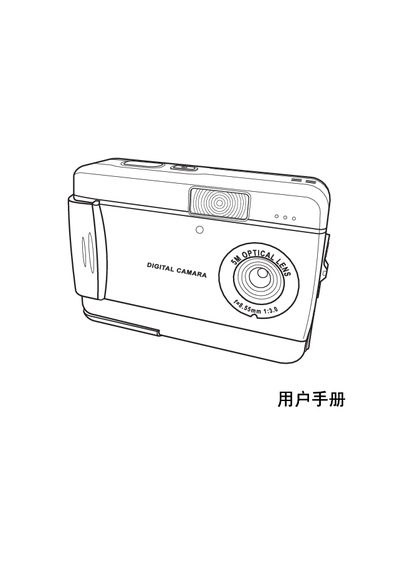
The manual introduces the camera's main features, including an 8× optical zoom, a 1.5‑inch LCD display, and support for SD memory cards. It explains how to power the device, insert batteries, and use the built‑in flash and selfie mode.
Detailed sections cover using the LCD to review images, selecting shooting modes, connecting the camera to a PC via USB 2.0, and performing basic maintenance such as formatting the internal memory and troubleshooting common issues. This manual is written in Japanese.
| Image sensor | CMOS |
|---|---|
| Resolution | 5 MP (2592 × 1944) |
| Maximum image size | 12 MP (4032 × 3024) |
| Shutter speed range | 1/6 – 1/1000 s |
| Optical zoom | 8× |
| LCD screen | 1.5‑inch TFT |
| Internal storage | 16 MB |
| Supported memory card | SD (Secure Digital) |
| Photo format | JPEG/EXIF 2.1 |
| Video format | AVI (CIF) |
| USB interface | USB 2.0 |
Connect the camera to the computer using the built‑in USB 2.0 port.
Use the format function in the camera’s menu to format the internal 16 MB storage when needed.
Select the desired shooting mode using the mode dial on the camera body.
Press the playback button to display captured images on the 1.5‑inch LCD screen.