
This manual introduces the names of the camera's various parts, how to install batteries, how to use a strap, and how to use SD/MMC storage cards. It also introduces basic operations such as turning the power on and off, taking pictures, and viewing pictures.
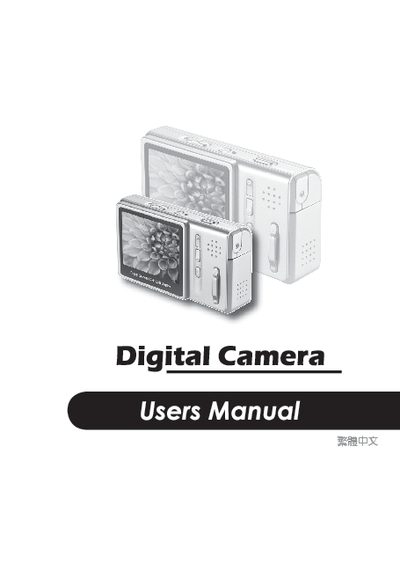
This application note provides technical details for a digital camera, including its image resolution options, supported file formats, and interface specifications. The document lists several resolution modes such as 5 MP (2560 × 1920) and 3 MP (2048 × 1536).
Additional information covers image output formats (JPEG, AVI) and the communication interface (USB 1.1). The note also mentions a 2.4‑inch sensor size and other basic parameters useful for system integration.
| Maximum resolution | 5 MP (2560 × 1920) |
|---|---|
| Image formats | JPEG, AVI |
The camera can capture up to 5 MP with a resolution of 2560 × 1920 pixels.
It supports JPEG and AVI file formats.