
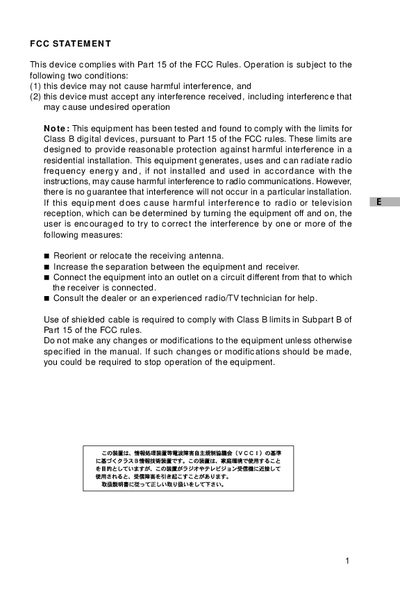
This document provides information about the FCC statement of this device.
This manual covers safety warnings, proper handling, and power requirements for the Traveler DC-3000 digital camera. It explains how to install batteries or an AC adapter, avoid hazards, and maintain the device.
The guide also details camera features such as image resolution, recording modes, menu navigation, software installation, and how to transfer images and video clips to a computer via USB or other interfaces. A full specification table is included at the end.
| Image sensor | 3.3‑Megapixel CCD |
|---|---|
| Maximum image resolution | 2048 × 1536 pixels |
| Recording media | SD memory card (up to 256 MB) |
| Lens focal length | Fixed 7.9 mm |
| LCD monitor | 1.5‑inch color TFT |
| Digital zoom | 2× |
| Power source | 2 × AA alkaline or Ni‑MH batteries, AC adapter |
| Dimensions (W × H × D) | 105 × 41 × 55 mm |
| Weight | ≈ 120 g |
The camera can be powered by two AA alkaline batteries, two AA Ni‑MH rechargeable batteries, or an AC power adapter.
It uses an SD memory card with a maximum capacity of 256 MB.
The camera can capture images at 2048 × 1536 pixels (Super‑Fine/Large quality).
Connect the camera via the USB connector after installing the appropriate driver for Windows or Mac OS.