
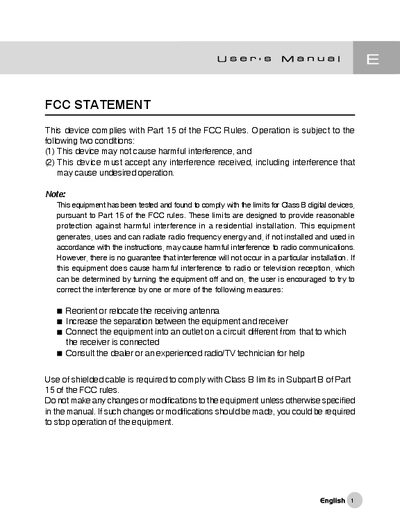
This device complies with Part 15 of the FCC Rules. Operation is subject to the following two conditions: (1) This device may not cause harmful interference, and (2) This device must accept any interference received, including interference that may cause undesired operation. Note: This equipment has been tested and found to comply with the limits for Class B digital devices, pursuant to Part 15 of the FCC rules. These limits are designed to provide reasonable protection against harmful interference in a residential installation. This equipment generates, uses and can radiate radio frequency energy and, if not installed and used in accordance with the instructions, may cause harmful interference to radio communications. However, there is no guarantee that interference will not occur in a particular installation. If this equipment does cause harmful interference to radio or television reception, which can be determined by turning the equipment off and on, the user is encouraged to try to correct the interference by one or more of the following measures: Reorient or relocate the receiving antenna Increase the separation between the equipment and receiver Connect the equipment into an outlet on a circuit different from that to which the receiver is connected Consult the dealer or an experienced radio/TV technician for help Use of shielded cable is required to comply with Class B limits in Subpart B of Part 15 of the FCC rules. Do not make any changes or modifications.
This manual covers safety warnings, cautions, and step‑by‑step instructions for using the digital camera, including battery handling, basic setup, shooting modes, playback, and connecting to other devices.
The final section lists the camera's technical specifications such as sensor type, resolution, storage capacity, lens details, power requirements, dimensions, and weight.
| Image sensor | 1/1.8" CCD 5.25 megapixels |
|---|---|
| LCD monitor | 1.5" full‑color TFT |
| Optical viewfinder | Real image viewfinder |
| Still image resolution | 2560×1920, 2048×1536, 1280×960, 640×480 |
| Movie image resolution | 320×240, 160×120 |
| Image storage | SD Memory Card (up to 512 MB) |
| Lens focal length | 7.2 mm – 21.6 mm |
| Focus range | 0.30 m – ∞ (Macro Tele), 0.09 m – ∞ (Macro Wide), 0.80 m – ∞ (Standard) |
| Shutter speed | 8 sec – 1/1500 sec |
| Digital zoom | 4× (capture mode), 2× – 4× (playback mode) |
| Flash effective range | 0.5 m – 3.0 m |
| ISO sensitivity | Auto 700‑400, Manual 100‑400 |
| Dimensions (W×D×H) | 94 mm × 63 mm × 35 mm |
| Weight | ≈180 g (without battery) |
First install the USB driver, then connect the camera to the computer via the USB cable, and finally download the images or movies using the provided software.