
This document is a user manual for a camera, which introduces the camera's precautions, preparation, quick start, basic shooting functions, advanced mode, playback mode, connection methods, and appendix.
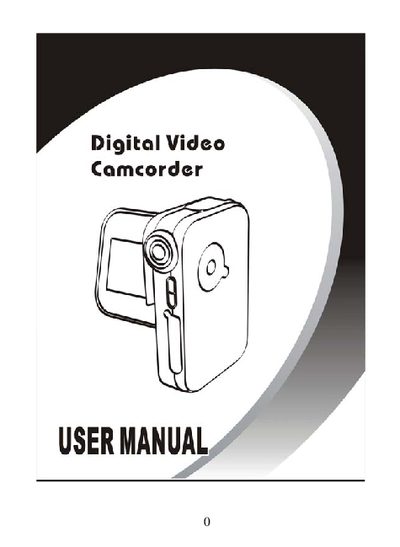
The manual begins with important safety precautions, warning users about operating the camera in restricted areas, avoiding direct sunlight into the lens, and handling the device with dry hands. It also outlines proper cleaning, battery usage, and the need for authorized service for repairs.
Subsequent sections cover preparation, quick start procedures, menu navigation, shooting modes, video recording, playback functions, and connection options such as USB, TV, and PC. An appendix lists the camera’s physical specifications and required computer system for bundled software.
| Dimensions | 105 x 69 x 26 mm |
|---|---|
| Weight | 155 g |
| Bundled software | ArcSoft TotalMedia |
Do not operate the camera inside an aircraft, avoid pointing it at intense light sources, keep it away from water, and let only authorized service personnel perform repairs.
The software requires Windows 98SE, 2000, ME or XP, a Pentium‑compatible CPU, 128 MB RAM, 500 MB free HDD space, a VGA video card, and a USB port.