
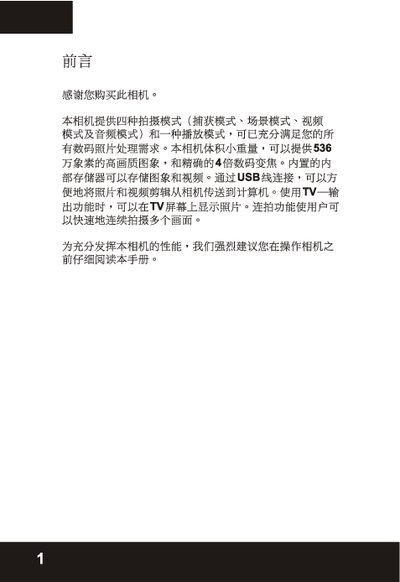
The manual introduces the camera's four shooting modes, audio mode, and playback functions, along with quick start instructions and basic operation steps. It explains how to format the internal memory or SD card, connect the camera to a PC via USB, and output images to a TV.
Technical details such as maximum resolution, ISO range, lens specifications, storage capacity, and physical dimensions are listed in the specifications section. The document also covers special features like self‑timer, automatic light reduction, and 4× optical zoom. This manual is written in Japanese.
| Maximum resolution | 3648 × 2736 |
|---|---|
| ISO range | 850, 100, 200 |
| Aperture (F-number) | F2.8 |
| Optical zoom | 4× |
| Storage capacity (10.0 MP) | 6 pictures |
| Weight | 100 g |
| Dimensions | 92 × 5 × 20 mm |
| LCD size | 1.6 inches, 354 × 240 pixels |
| USB interface | USB 2.0 full speed |
| Video format | MPEG‑4 |
Connect the camera to the computer using the USB cable and transfer the images.
The camera can capture images up to 3648 × 2736 pixels.
Up to 6 pictures can be stored at 10.0 MP resolution.
The camera offers a 4× optical zoom.