
This manual introduces the camera's functions and how to use it, including taking photos, videos, and recording audio, as well as how to download photos and videos to a computer.
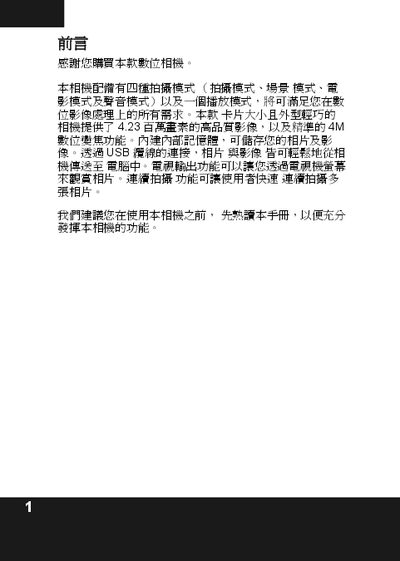
The guide introduces the digital camera and provides a quick‑start overview of its main features, including power‑on procedures, basic settings, and recommended usage tips. It also lists the accessories that should be checked before first use.
Detailed sections cover the four shooting modes (photo, scene, video, audio), flash options, resolution and zoom settings, storage capacity, battery information, and how to connect the camera to a PC via USB. Technical specifications such as sensor resolution, video frame rate, dimensions, weight, and USB type are also provided. This manual is written in Chinese.
| Maximum still image resolution | 8.0 MP (3264 × 2448) |
|---|---|
| Maximum video frame rate | 30 fps @ QVGA |
| Battery type | AAA alkaline battery |
| LCD screen | 1.6" TFT, 354 × 240 pixels |
| Weight | 100 g |
| Dimensions | 92 × 58 × 20 mm |
| Storage media | SD/MMC card |
| USB interface | Mini‑USB B 2.0 full speed |
| Self‑timer | 210 seconds |
Connect the camera to the PC with the supplied USB cable; the camera will appear as a storage device for file transfer.
In flash mode, press the flash button once to activate automatic red‑eye reduction.