
This is a user manual for Argus DC3550 digital camera.
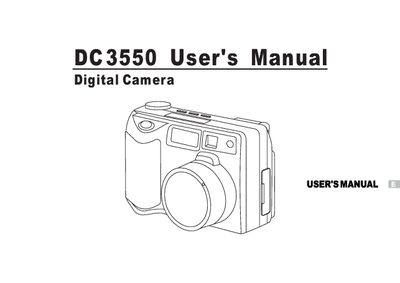
This manual guides users through getting started with the Argus DC3550 digital camera, including package contents, system requirements, battery installation, and basic controls such as the navigation dial, zoom, macro mode, and flash. It also covers image capture settings, movie recording, and how to view, delete, and manage pictures on the LCD screen.
Additional sections describe connecting the camera to a TV or PC via video and USB outputs, installing drivers and photo‑editing software on Windows systems, and safety warnings. A quick‑start guide, FAQ, and specifications are provided for reference.
No, the camera is not water‑resistant and should not be used outdoors in snow or rain.
It uses four AA 1.5 V batteries; manganese batteries should not be used.
The manual includes a section titled “How to install driver for Windows98( other OS without)”.