
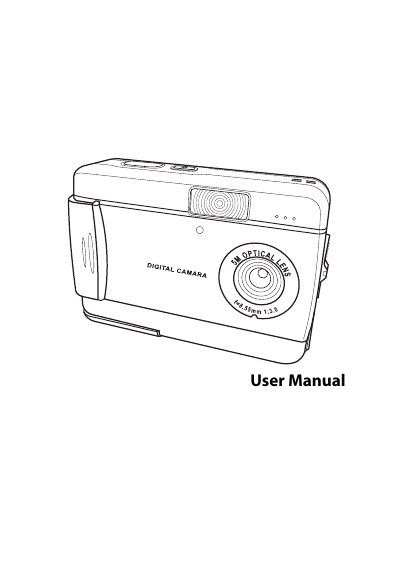
The guide introduces the camera’s features, package contents, and hardware layout, then walks the user through basic tasks such as attaching the hand strap, inserting batteries and an SD card, and turning the device on and off. It also covers using the LCD screen, adjusting settings, taking photos and videos, and customizing options like language and auto‑power‑off.
Later sections describe how to connect the camera to a PC or TV, install software, use USB and AV outputs, and provide an appendix of technical specifications along with a list of error messages and troubleshooting steps. This manual is written in Chinese.
| Image sensor | 1/1.8-inch CMOS |
|---|---|
| Resolution | 12 MP (4032 × 3024 px) |
| Shutter speed | 1/6 – 1/1000 s |
| Zoom | 8× digital zoom |
| LCD | 1.5‑inch TFT |
| Internal memory | 32 MB |
| Supported media | Secure Digital (SD) card |
| TV output | Audio/Video (AV) out |
| Power source | 2 × AA batteries |
| Weight | 85 g |
Open the battery/memory card cover, insert the SD card with the label facing the front of the camera until it clicks into place, then close the cover.
Use the supplied AV cable to connect the camera’s TV‑out jack to the TV’s audio/video input, then set the TV‑out mode (NTSC or PAL) in the camera’s menu.
Select the format option in the camera’s menu; the camera will erase all data on the card and prepare it for use.