
This manual provides detailed instructions on how to operate the CT digital camera, including power on/off, power management, shooting, playback, photo printing, photo transmission, and settings.
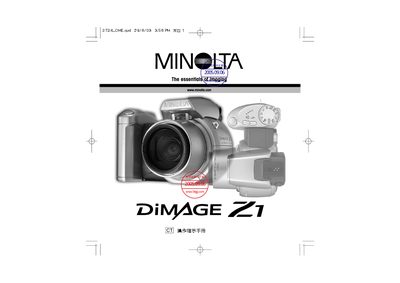
This manual covers the basic operation of the Konica Minolta Z1 digital camera, including image capture, playback, and basic settings. It also explains how to connect the camera to a computer via USB direct‑print and transfer files using Windows or Macintosh operating systems.
Additional sections provide detailed technical specifications of the CCD sensor, environmental operating limits, and warranty/service contact information for Minolta locations worldwide.
| CCD type | 2.7 µm interline primary‑color CCD |
|---|---|
| Maximum image resolution | 2048 × 1536 |
| Operating temperature | 0 °C – 40 °C (32 °F – 104 °F) |
| Relative humidity | 5 % – 85 % |
| Weight | 305 g (10.8 oz) |
The camera connects via a USB direct‑print interface.