
This document provides the user guide for SBC LI900 RF Extender, including product features and functions.
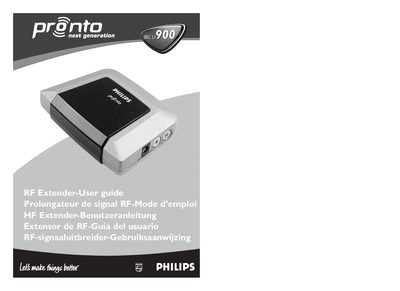
The SBC LI 900 is an RF extender that receives radio‑frequency signals from a Philips Pronto remote and converts them to infrared signals for TVs, DVD players, pre‑amplifiers and other devices. It allows control of equipment that is out of line‑of‑sight, such as inside cabinets or other rooms.
This guide covers the required hardware, installation steps, mounting options, dual IR emitters, power‑adapter connection, configuration of Extender ID and channel, and troubleshooting tips for common issues like RF interference or LED indicators.
| Dimensions | 4.5 x 3.2 x 1.2 in (113 x 81 x 30 mm) |
|---|---|
| Operating Temperature | 0 °C to 50 °C |
| IR Operating Distance | up to 16 ft (5 m) |
| IR Frequency Range | 36 kHz – 550 kHz (DC/flash codes) |
| Radio Operating Distance | up to 100 ft (30 m) |
| RF Frequency | 433.92 MHz (Europe) |
| Number of IR Emitters | up to 8 (4 × 2) |
| Cable Length | 10 ft (2.5 m) |
| Accessories | 230 V AC power adapter (400 mA/240 V, UK) |
Turn the ID dial on the RF Extender with a small screwdriver to select the desired ID, then set the same ID on the Pronto remote control.
Rotate the CH dial on the RF Extender to select a different channel (0‑3) and set the same channel on the Pronto remote control.
Keep at least 4 inches (10 cm) between the RF Extender and the devices.