
This is the Foxconn 915M03 series motherboard user manual, which introduces the features and usage of the motherboard.
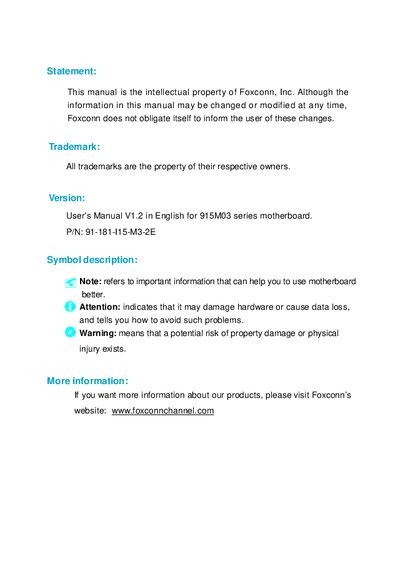
This manual covers all aspects of the Foxconn 915M03 series motherboard, including main features, layout, CPU and memory installation, power supply, connectors, expansion slots, jumpers, and detailed BIOS configuration. It also contains safety warnings, driver CD instructions, and special BIOS functions.
Additional sections describe optional features such as 8‑channel audio setup, RAID configurations, and troubleshooting steps, making it a comprehensive guide for system builders and technicians.
| Form factor | mATX 9.6" x 9.6" |
|---|---|
| CPU socket | LGA775, supports Intel® Prescott‑T |
| Chipset | Intel® 915G/P/GV + ICH6/6R |
| Memory slots | Four 240‑pin DIMM slots |
| Maximum memory | 4 GB DDR2 |
| USB ports | Eight USB 2.0 ports (four rear, four via headers) |
| SATA ports | Four SATA devices, 150 MB/s |
| LAN | 10/100/1000 Mbps (optional K version) |
Enter the BIOS, select **CHANGE PASSWORD**, then follow the prompts: enter the old password (or press Enter if none), type the new password, confirm it, and press Enter to save.