
The document provides instructions for using a household appliance, including usage methods, precautions, and cleaning and maintenance.
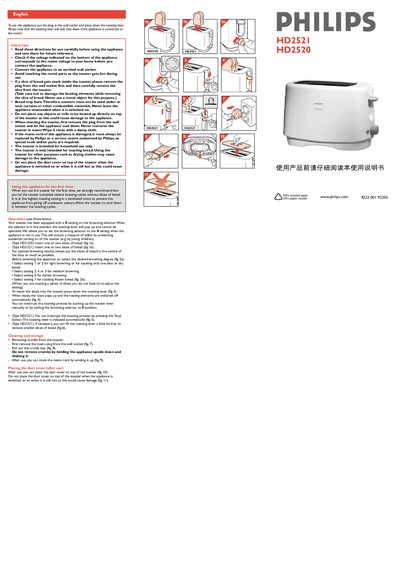
This manual explains how to safely use the Philips HD2520/HD2521 toaster. It covers essential safety information, voltage checks, and proper plug connection before operation.
The guide details the toasting process, browning selector settings, cleaning the crumb tray, and first‑use recommendations. It also explains how to stop toasting and how to handle the dust cover and cord storage.
First remove the mains plug from the wall socket, then pull out the crumb tray.
Press the ‘Stop’ button (HD2521) or push the lever up manually to interrupt toasting.
When set to 0, the toasting lever pops up and cannot be operated, providing a safety lock.