
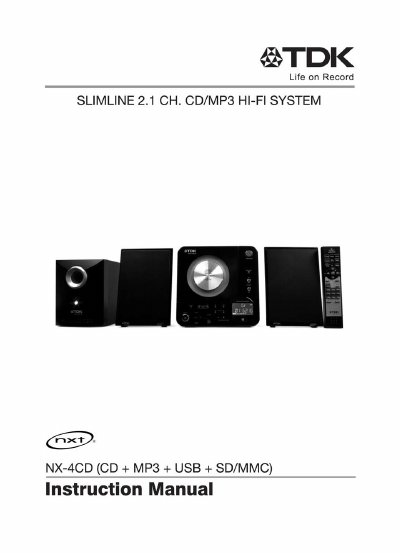
This manual explains how to install, power on, and safely operate the TDK NX-4CD CD/MP3 system, including battery installation for the remote control, timer functions, and radio tuning. It also details the layout of controls, indicators, and connections for speakers, subwoofer, and external devices.
Key sections cover safety precautions, assembly drawing, remote control battery replacement, timer and EQ settings, FM tuner operation, and full technical specifications of the unit. The document ends with warranty and trademark information.
| Power Supply | AC 240V 50Hz |
|---|---|
| Output Power | 4.5 Watts x 2 + 30W |
| Unit Dimension | 207(W) x 82(D) x 206(H) mm |
| Speaker Box Dimension | 139(W) x 72.5(D) x 200(H) mm |
| Subwoofer Dimension | 4131(W) x 242(D) x 173(H) mm |
| Net Weight | 6.6 kg |
| FM Frequency Range | 87.5‑108 MHz |
| Optical Pickup | 3‑beam laser |
| Frequency Response | 100 Hz – 16 kHz |
Tune to the desired station, press the MEMORY/CLK-ADJ button, then press the PRESET/FOLDER (UP or DOWN) button for the desired preset number, and press MEMORY/CLK-ADJ again to store it.