
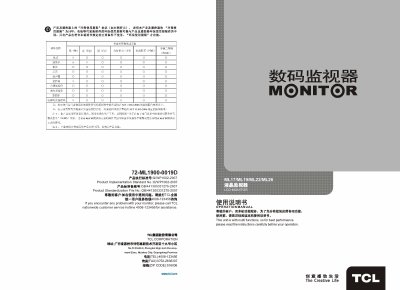
This manual covers the TCL ML17, ML19, ML22 and ML26 liquid‑crystal monitors. It includes safety notices, unpacking details, model‑specific features, technical specifications, remote‑control usage, basic operation, installation diagrams, troubleshooting steps and maintenance guidelines.
The document also provides warranty information, customer‑service contact numbers and environmental disposal instructions, ensuring users can safely install, operate and care for their monitors in industrial environments. This manual is written in Chinese.
| Resolution (ML17) | 1280×1024 |
|---|---|
| Screen diagonal (ML17) | 43 cm |
| Power consumption (ML17) | 40 W |
| Dimensions (ML17) | 366.5 mm × 327 mm × 71.5 mm |
| Weight (ML17) | ≈5.5 kg |
| Resolution (ML19) | 1280×1024 |
| Screen diagonal (ML19) | 48 cm |
| Power consumption (ML19) | 45 W |
| Weight (ML19) | ≈6.2 kg |
| Resolution (ML22) | 1366×768 |
| Screen diagonal (ML22) | 55 cm |
| Power consumption (ML22) | 50 W |
| Resolution (ML26) | 1366×768 |
| Screen diagonal (ML26) | 68 cm |
| Power consumption (ML26) | 80 W |
Open the battery compartment on the back of the remote, observe the polarity markings, insert two 7‑size 1.5 V batteries accordingly, and close the cover.
Verify that the power cord is connected and the power switch is on; also check the power indicator light.
No. Use a dry soft cloth or LCD‑specific cleaning solution; avoid water, alcohol, ammonia or other chemicals that could damage the screen.