
TCL Pad16 is a tablet computer with a slim and portable design, a large screen with a wide field of vision, wireless internet experience, and rich HD audio and video enjoyment.
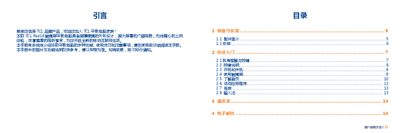
This manual introduces the TCL Pad16 tablet, lists the package contents, and explains the hardware layout and basic operation such as powering on/off, using the touch screen, and navigating the home screen. It also covers how to add shortcuts, manage apps, and adjust system settings.
Further sections describe using core applications like Email, Browser, File Manager, Multimedia, and Contacts, as well as connectivity options (Wi‑Fi, Bluetooth, USB), safety information, and troubleshooting procedures. This manual is written in Chinese.
| Battery capacity | 3000 mAh |
|---|
Press and hold the power key to start the device.
Open the Email app, enter your email address and password, then follow the on‑screen prompts.
To lock, press the power key; to unlock, swipe the screen and enter the PIN, password, or pattern if required.