
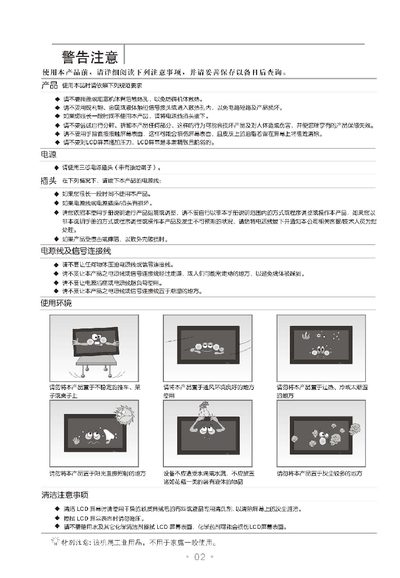
This manual begins with safety precautions and installation guidance, including warnings about ventilation, handling, and power connections. It also covers mounting options such as floor‑stand and wall‑mount installation, with diagrams for hole placement.
Subsequent sections describe how to power the monitor on and off, select input sources, navigate the on‑screen menus, adjust image parameters (contrast, brightness, color), configure automatic browsing, and perform basic troubleshooting. The document ends with warranty information and contact details for TCL customer service. This manual is written in Chinese.
| Display size | 930 mm × 522 mm |
|---|---|
| Pixel pitch | 0.51075 mm × 0.51075 mm |
| Horizontal frequency | 30–80 kHz |
| Power consumption | 250 W |
| Rated voltage | 220 V, 50 Hz |
| Screen diagonal | 107 cm |
| Weight (no stand) | ≈25 kg |
Enter the Image menu, select the Contrast item, and use the increase/decrease keys to set the value between 0 and 100.
Open the battery compartment on the back of the remote, insert two 1.5 V AA batteries with the correct polarity, and close the cover.