
This document describes the features and characteristics of the product with the brand TCL and model TM25H0-001. The product supports PAL and NTSC formats and offers various resolutions and input/output options. It also features HDTV functionality, supporting multiple signal inputs and outputs, as well as various display modes. The product has dimensions of 59cm(TM25H) and weighs 38kg(TM25H).
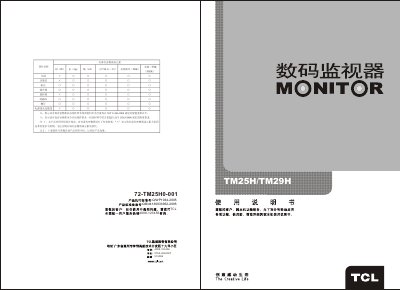
This manual covers the TCL TM25H and TM29H television models. It includes safety precautions, product features, technical specifications, and detailed wiring diagrams to help users install and operate the units safely.
Key sections guide you through basic operations such as powering the unit on and off, selecting signal sources, adjusting aspect ratios and picture settings, and configuring system menus like geometry and fan speed. Remote‑control functions and external connection illustrations are also provided.
| Screen diagonal | 59 cm (TM25H) / 68 cm (TM29H) |
|---|---|
| Dimensions (mm) | 590 × 553 × 484 (TM25H) / 660 × 568 × 542 (TM29H) |
| Weight | 38 kg (TM25H) / 48 kg (TM29H) |
| Operating voltage | 160 V‑250 V, 50 Hz |
| AV formats | PAL, NTSC 3.58, NTSC 4.43 |
Press the POWER button on the rear panel; the indicator flashes and the picture appears after a few seconds.
Press the DOWN/SOURCE button on the remote, then use UP/DOWN to choose AV‑1, AV‑2, S‑VHS, YPBPR or VGA.