
MC25P is a color monitor produced by TCL. It supports 1080P/60Hz, 1080i/60Hz, 1080i/50Hz, 525P/625P(DVD), 720P and other resolutions, and supports VGA, SVGA, XGA and other multi-mode displays.
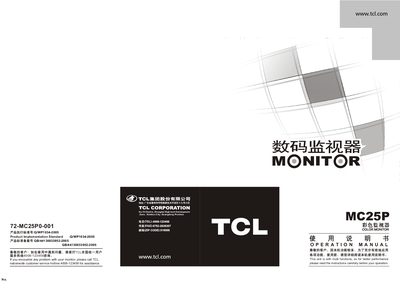
This is the user manual for the TCL MC25P color monitor, detailing setup, operation, and adjustment of image settings. It covers switching between AV, S-VHS, and HDTV/PC modes, adjusting picture parameters like brightness, contrast, and color, and system settings including aspect ratio and scan modes. Safety warnings and installation instructions are also included. This manual is written in Chinese.
| Video Input | AV1, AV2, S-Video, HDTV YPbPr, RGB |
|---|---|
| Display Size | 59 cm diagonal |
| Power Consumption | 140W |
| Dimensions | 590x553x484 (宽x深x高) |
| Weight | Approximately 38kg |
| Operating Voltage | 160V-250V~ 50Hz |
Press the DOWN/AV button on the remote repeatedly to toggle between AV1, AV2, and S-VHS.
Set the scan mode to 16:9 when input is 1080i, 1080P, or 720P. Access the system menu, select scan mode, and choose 16:9.
Supports AVPAL, NTSC3.58, NTSC4.43, S-Video, HDTV YPbPr, and RGB for computer input.