
SyncMaster 225UW is a monitor product that requires installation of drivers and attention to safety during use. Failure to follow the indicated direction during installation may cause harm to humans and devices. It also provides some precautions for use and installation, such as avoiding disassembly, unplugging the power cord, grounding, and power management.
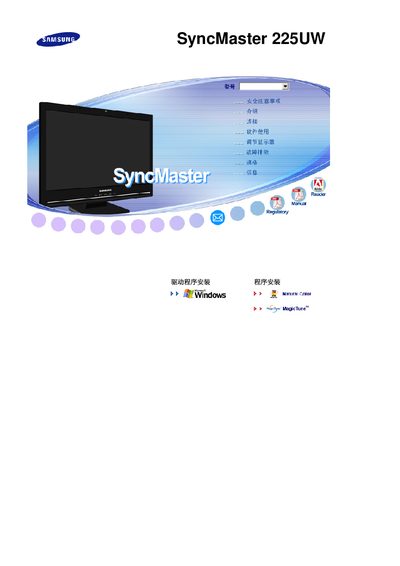
This manual covers the installation and connection options for the SyncMaster 225UW, including S‑Video, VGA, and other video inputs, as well as power‑management features such as DPMS. It also lists compliance certifications like ENERGY STAR and VESA standards.
Additional sections describe the on‑screen display (OSD) controls, safety precautions, and troubleshooting tips to help users resolve common issues with picture quality or hardware operation.
| Display Type | TFT‑LCD |
|---|---|
| Native Resolution | 1680 × 1050 |
| Video Input | S‑Video |
| Energy Certification | ENERGY STAR |
The monitor supports an S‑Video input.
The native resolution is 1680 × 1050 pixels.
Yes, the monitor meets ENERGY STAR requirements.