
This document is a user manual for the Schneider Electric BBV48787 motor drive, which introduces the features and usage of the product
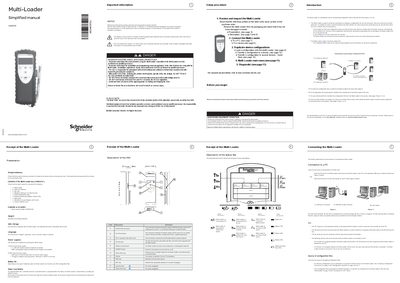
The Multi-Loader (model VW3A8121) is a portable tool used to load, duplicate and update configuration files on Schneider Electric drives. The manual begins with safety warnings, explains the purpose of the device, and lists the contents of the box, including batteries, SD card, cables and a simplified manual.
Installation steps cover connecting the Multi-Loader to a PC or directly to a drive via RJ45, loading configuration files from an SD card, using the Quick Store function, and updating the tool’s firmware. Battery management, power‑supply options, screen operation, diagnostic menus and fault‑clear procedures are also described.
| Battery type | LR6 (AA) alkaline |
|---|---|
| Battery life | up to six days |
| Weight | 250 grams |
| Power supply options | internal battery or external USB power |
| Screen display | 2 lines of 16 characters |
| SD card slot | One SD card supplied |
| Quick Store function | G key for rapid transfer |
The tool is designed to load up to fifty devices a day.
It can operate for up to six days depending on usage.
The screen displays two lines of sixteen characters.