
This document introduces information about the Modbus communication for Altivar 212 variable speed drives of Schneider Electric.
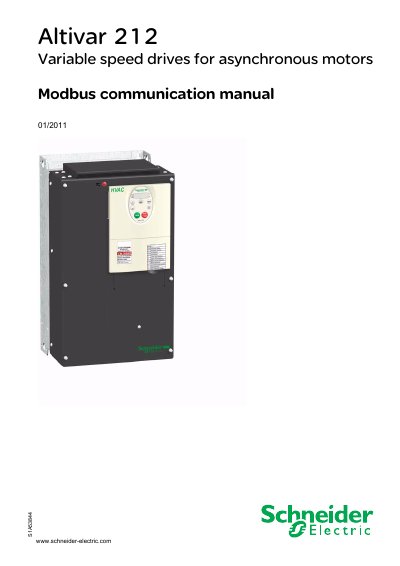
This manual explains how to configure the Schneider Altivar 212 drive for Modbus communication, covering hardware setup, parameter configuration, available Modbus functions, and migration from older models. It includes safety information, terminal descriptions, and detailed parameter lists.
The document provides wiring diagrams for both open‑style and RJ45 connectors, outlines the communication protocol details, and lists troubleshooting steps such as resetting fault codes after a failed configuration transfer. This manual is written in Chinese.
| Communication interface | 2‑wire RS485, 9600 or 19200 bps |
|---|---|
| Voltage‑free contact input | 24 VDC, ≤5 mA |
The drive supports four Modbus functions: Read Holding Registers (function 3), Write Single Register (function 6), Write Multiple Registers (function 16), and Read Device Identification (function 43/14).
The default communication uses a 2‑wire RS485 interface with a baud rate of either 9600 bps or 19200 bps.
Clear the CFI2 fault by performing a new successful transfer or by resetting the drive to factory settings using the tYP parameter.