
This document is about the safety precautions for using SyncMaster 206BW / 226BW, including installation, cleaning, etc.
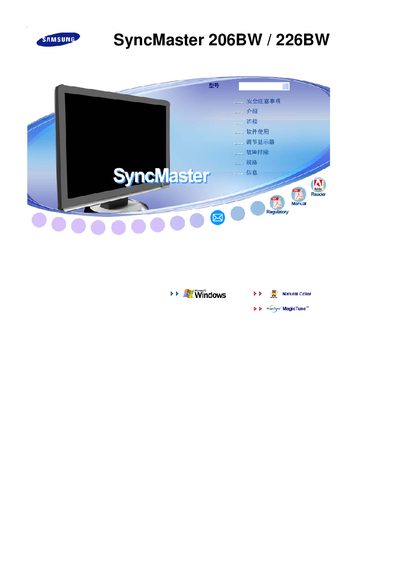
This manual covers the basic features of the Samsung SyncMaster 206BW and 226BW LCD monitors, including the MagicTune™ technology and DPMS power‑saving functions. It guides users through connecting the monitor to a Windows PC, adjusting picture settings, and using built‑in controls.
Safety instructions, installation steps, and troubleshooting tips are provided, along with technical specifications such as the native resolution of 1680 × 1050 pixels. The document is organized into sections for quick reference.
| Resolution | 1680 x 1050 |
|---|
MagicTune™ is a feature mentioned in the manual for the SyncMaster monitors.