
ViewSonic Pocket PC V36 User Guide, introduces the features and characteristics of the product and how to use it
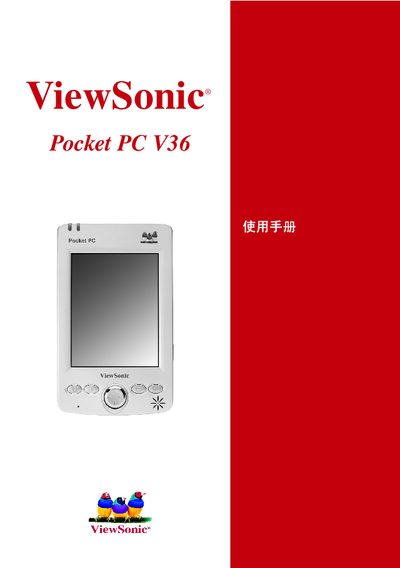
This guide covers the hardware layout and built‑in software of the ViewSonic Pocket PC V36, a Windows Pocket PC device. It describes the input panel, USB connector, SD card slot, and the pre‑installed Microsoft applications such as Pocket Word, Pocket Excel, Pocket Internet Explorer, Pocket Outlook, and Windows Media Player.
The manual also explains how to synchronize the device with a PC using Microsoft ActiveSync, provides regulatory and safety information, and includes notes and task lists for common operations.
| Connectivity | USB |
|---|---|
| Synchronization Method | Microsoft ActiveSync |
Use Microsoft ActiveSync to connect the device to a PC for data transfer and synchronization.
The Pocket PC V36 provides a USB port for connecting accessories and transferring data.