
ViewSonic P75f+-2 User Guide, introduces the features and characteristics of the product, including interface, OSD menu, settings, etc.
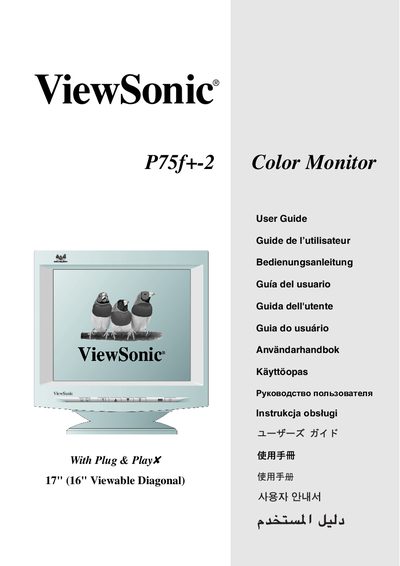
This guide provides step‑by‑step instructions for setting up the ViewSonic P75f+-2 color monitor, including connecting the power and video cables, installing the supplied INF/ICM driver files, and configuring basic display settings. It also describes the contents of the package and safety precautions to follow during installation.
The manual covers how to use the OnView control panel, adjust OSD functions such as contrast, brightness, and geometry, and switch between preset display modes (Normal, UltraBright 3X, UltraBright 5X). Compliance information for FCC Class B and European CE directives, as well as supported Windows operating systems, are also included.
| Native resolution | 1024 x 768 |
|---|---|
| Maximum resolution (VESA mode) | 1280 x 1024 @ 75 Hz |
| Recommended viewing distance | 45 cm or more |
| Maximum brightness (UltraBright modes) | up to 300 nits |
The guide lists Windows 95, Windows NT, Windows 98, Windows 2000, Windows Me, and Windows XP as supported operating systems.