
This is a user manual for a 19-inch monitor. It includes the features and usage of the product.
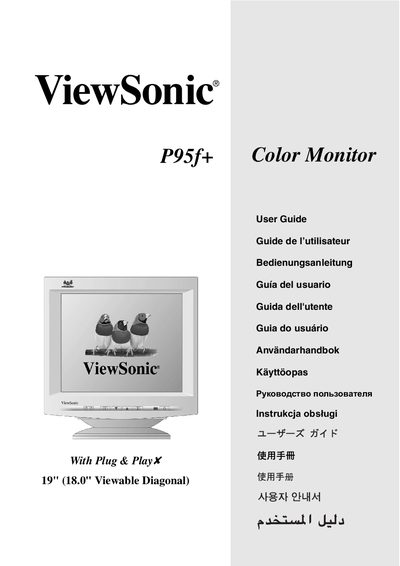
This guide walks you through unpacking, connecting power and video cables, and installing the optional display‑optimization files. It also covers basic operation such as turning the monitor on, selecting input sources, and using the OnView control panel.
Later sections describe how to adjust screen image settings, set timing mode (resolution and refresh rate), lock or unlock OSD functions, and perform troubleshooting, cleaning, and warranty registration. This manual is written in Chinese.
| Display Size | 18.0" (48.3 cm) diagonal |
|---|---|
| Maximum Resolution | 1280 x 1024 @ 75 Hz |
| Model Number | VCDTS23956-2 |