
This document provides important instructions and features of ViewSonic® Tablet PC V1100 using Microsoft® Windows XP Tablet PC Edition. The product features a high-performance processor, large hard disk drive, advanced graphics engine, and expandability. It also supports a bright LCD touchscreen display, audio performance, wireless LAN, and modem connectivity.
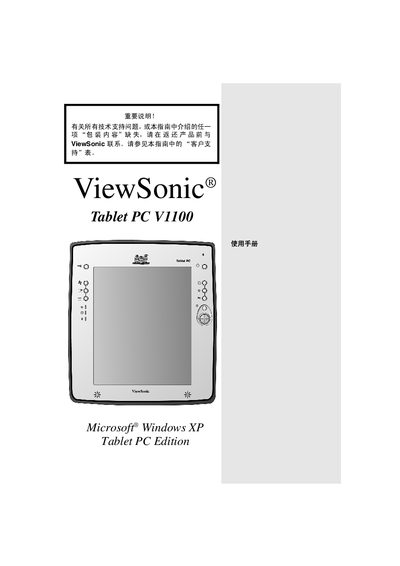
This manual covers the ViewSonic Tablet PC V1100, a Windows XP Tablet PC equipped with WAN, LAN, Wi‑Fi and a 10.4‑inch color touchscreen. It explains the device’s hardware features, connectivity options, and supported software.
The guide includes safety notices, unpacking checklist, initial setup steps, battery charging instructions, hardware specifications, and troubleshooting tips. Reference tables list the tablet’s components, LED indicators, and system configuration details. This manual is written in Chinese.
| Processor | 866 MHz Intel Pentium II |
|---|---|
| Hard drive capacity | 20 GB |
| Display | 10.4‑inch TFT XVGA touchscreen |
| Wi‑Fi | 802.11b |
| Ethernet | 100 Mbps |
The battery requires about 2.5 hours for the first full charge.
The tablet ships with Windows XP Tablet PC edition.