
This manual introduces the features and characteristics of the ViewSonic ViewBook 1500 notebook computer.
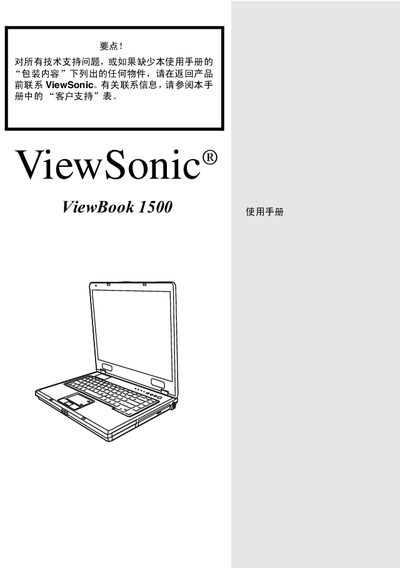
This manual covers the basic introduction, key features and hardware overview of the ViewBook 1500 laptop. It includes detailed BIOS settings, power‑management instructions and safety precautions for handling the device.
Additional sections describe the LED indicators, troubleshooting functions, and replacement procedures for components such as the battery and power adapter. Safety notes and regulatory compliance information are provided throughout. This manual is written in Japanese.
| Power Adapter Model | LITE-ON PA-1161-02 (160W) |
|---|
The manual specifies a LITE‑ON PA‑1161‑02 power adapter rated at 160 W.
The manual advises to avoid placing the battery near heat sources, to handle it gently, and to follow the manufacturer’s replacement instructions.