
ViewSonic A91f+ 19 inch monitor user manual, introduces the basic operation and functions of the monitor
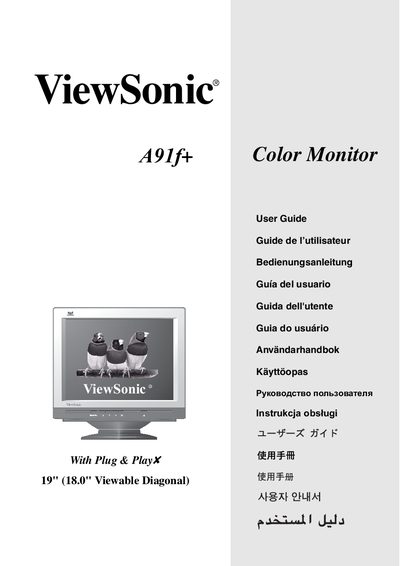
This guide introduces the ViewSonic A91f+ color monitor, its quick‑installation steps, required driver installation, and basic operation. It also explains how to adjust display settings such as timing mode, brightness, contrast, and OSD lock.
The manual includes safety warnings, FCC and CE compliance information, and troubleshooting tips for interference or display issues. Detailed menu navigation and control panel functions are described for Windows and Macintosh systems.
| Screen size | 19" (18.0" viewable diagonal) |
|---|---|
| Maximum resolution | 1280 x 1024 @ 75 Hz |
Insert the supplied CD and run the installer; Windows will display a message prompting you to install the INF file.