
This document is a user guide for ViewSonic VE710b/VE710s LCD display, describing the features and characteristics of the product, including LCD display, OSD menu, main menu, view adjustments, and energy management.
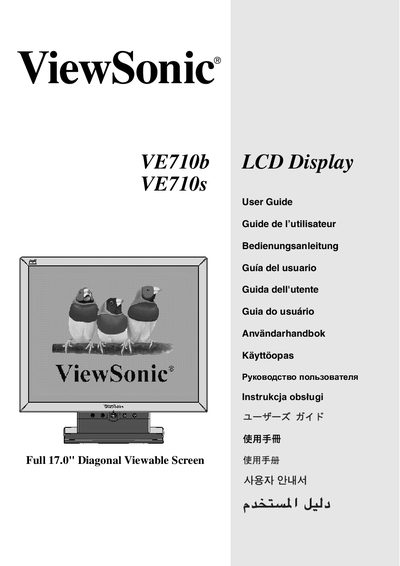
The ViewSonic VE710b/VE710s is a 17.0" LCD monitor with a native resolution of 1280 × 1024 @ 60 Hz. This manual provides step‑by‑step instructions for installing the display, configuring the On‑Screen Display (OSD) menu, and adjusting image settings such as contrast, brightness, and color.
Safety guidelines, power‑cord selection for different regions, and regulatory compliance (FCC, CE) are also covered. The document includes a quick reference to the main menu hierarchy and troubleshooting tips for common issues.
| Display size | 17.0" diagonal |
|---|---|
| Native resolution | 1280 × 1024 @ 60 Hz |
| VESA mount pattern | 100 mm × 100 mm |
The monitor’s native resolution is 1280 × 1024 pixels at a 60 Hz refresh rate.